The tools for working with SQL Server don’t stop changing. By 2026, they’ve added decent AI features, much better DevOps support, and automation that handles more of the boring tasks automatically.
Your choice of graphical tool matters a lot more than people think. The wrong one and you waste time every day. Right one and your work, collaboration, and database upkeep all get noticeably easier.
Here, we will look at the top five GUI options available today. Their main strengths. The kinds of projects or teams they fit best.
1. dbForge Studio for SQL Server
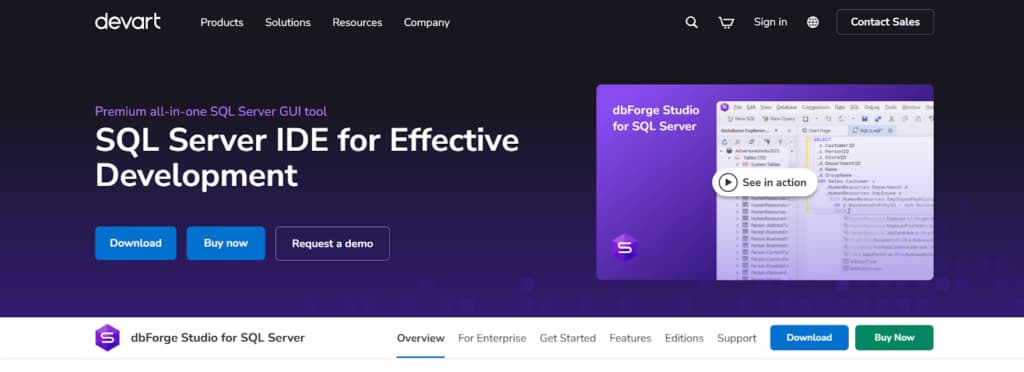
dbForge Studio for SQL Server is a paid Microsoft SQL Server GUI that packs every tool you need into one place. You write and run queries, manage the server, analyze data, design or change schemas, set up basic DevOps pipelines—all without opening a pile of separate apps or downloading extra utilities.
This tool is for SQL Server professionals. Developers, DBAs, analysts—anyone who needs to write queries, modify a schema, handle data, or check on performance. It puts the key tools in one place: a SQL editor, visual designers, automation scripts, and admin features.
You manage the entire workflow here, from writing and tuning a query to comparing schemas, syncing data, and handling deployment. It includes version control and automation for both solo work and team projects.
Key Features
- SQL Development: advanced editor, code completion, formatting, Visual Query Builder, execution, optimization tools.
- Database Design: visual designers, schema editing, DDL generation, documentation, compare & sync.
- Data Management: grid editing, data compare/sync, import/export, test data generator.
- Database Administration: object/security management, profiling, execution plans, maintenance automation.
- Testing & Quality: tSQLt unit testing, code analysis, pre-deployment validation.
- DevOps & Automation: CLI, source control integration, scripts sync, CI/CD support.
- AI Assistance: AI query generation, fixes, optimization, context-aware suggestions.
2. ApexSQL Complete
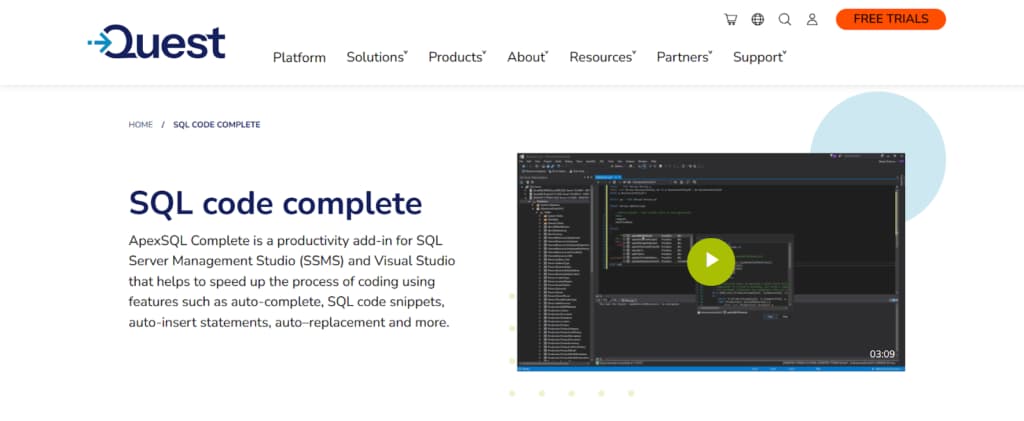
ApexSQL Complete is a complete productivity toolkit and SQL coding assistance that works seamlessly with Visual Studio and SSMS. Instead of being a stand-alone IDE, it adds intelligent code completion, formatting, refactoring, and navigation capabilities made especially for SQL Server development to Microsoft’s current tools.
With its vast snippet libraries, clever object search capabilities, and AI-driven recommendations, this application aims to increase coding efficiency. Teams that are already using the Microsoft toolchain and wish to increase productivity without changing environments may find it very beneficial.
Key Features
- Smart IntelliSense with AI-powered suggestions and auto-complete.
- Fuzzy object search, go-to-definition, find references.
- Custom SQL formatting, refactoring (rename/extract/inline).
- Built-in + custom snippets, easy team sharing.
- Works inside SSMS 2012–2022 and Visual Studio 2015–2022.
- Tab history, recent objects, and session restore.
3. Redgate SQL Toolbelt
Redgate SQL Toolbelt is a set of separate tools that cover the whole SQL Server database process. It’s not a single all-in-one IDE. You get dedicated tools for source control, deployment, monitoring, backups, and comparisons.
Teams just install the ones they need. The workflow still stays consistent. Redgate tools are reliable in big companies and work well with DevOps and compliance rules.
Key Features
- Version control your schema and data with SQL Source Control—Git, TFVC, Subversion, plus migration scripts.
- Deploy changes easily: SQL Compare for schema, Data Compare for data, ReadyRoll keeps it continuous.
- Watch performance live in SQL Monitor—alerts you set, trends, and reports.
- Backups done right: SQL Backup compresses/encrypts, verifies everything, pushes to cloud.
- Generate docs automatically (SQL Doc), see what breaks what (Dependency Tracker),and check code rules.
- Hook into DevOps: DLM Automation for pipelines, Octopus Deploy, PowerShell scripts.
4. Aqua Data Studio
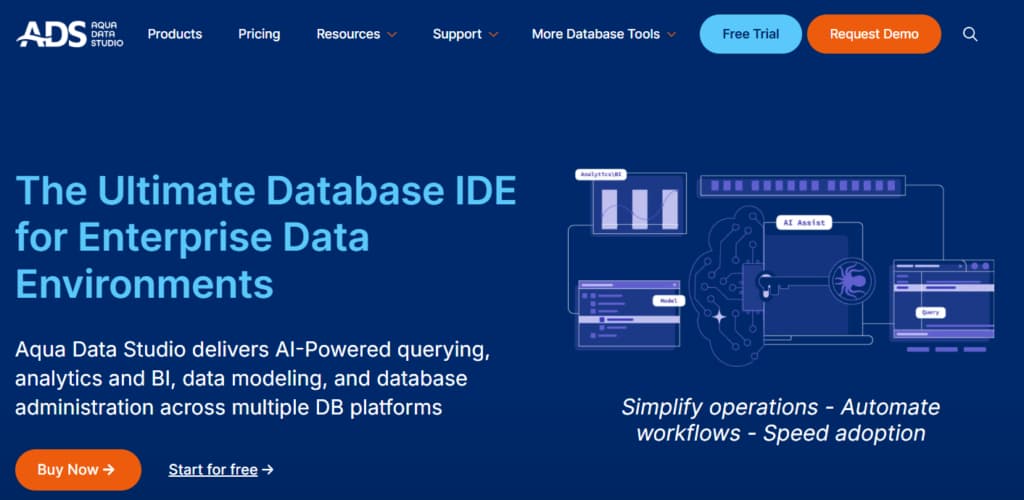
Aqua Data Studio is a database integrated development environment (IDE) that supports SQL Server and over 40 additional database systems. It provides a full collection of visual analytics, collaboration, and management capabilities, with a special emphasis on data visualization, team collaboration, and cross-platform database administration.
The solution is intended for data professionals working in diverse contexts who want both substantial SQL Server capabilities and the ability to integrate with other database systems. Its visual analytics features make it ideal for data analysis and corporate intelligence applications.
Key Features
- Supports SQL Server, Oracle, MySQL, PostgreSQL, MongoDB +35 more in one tool, with platform optimizations.
- Built-in charting, geospatial maps, and interactive analysis.
- Shared servers/queries, team repositories, and real-time teamwork.
- Drag-and-drop query builder, debugger, and execution plan tools.
- Entity-relationship diagrams, forward/reverse engineering, schema sync.
- Cloud storage integration, local files, vand ersion control.
5. Navicat for SQL Server
Navicat for SQL Server is built to be straightforward. It’s a powerful tool for database administration and development that doesn’t overcomplicate things. The interface uses clear visual tools for design, data work, and maintenance. This makes it a solid choice for beginners and pros alike.
The tool emphasizes visual design and automation, with strong import/export capabilities and synchronization features. It’s particularly popular among developers who prefer a clean, modern interface and those who work across multiple database platforms with Navicat’s consistent experience.
Key Features
- Drag-and-drop database designer, visual query builder, ER diagrams.
- Sync structure & data across databases, import/export 20+ formats, version-to-version transfers.
- Scheduled tasks, visual automation workflows, and job completion emails.
- Secure SSH/HTTP connections, team connection sharing, and role-based permissions.
- SQL editor with auto-completion & folding, reusable snippets, and query parameters.
- Visual backup/restore, scheduled backups, encrypted & compressed backups.
Conclusion
The market for SQL Server GUI tools in 2026 provides options to suit different professional roles and organizational requirements. dbForge Studio for SQL Server is notable as a complete, integrated solution with advanced AI features. ApexSQL Complete is best for adding intelligent coding assistance to Microsoft’s SSMS and Visual Studio.
Redgate SQL Toolbelt offers a suite of specialized, enterprise-ready tools for established DevOps processes. Aqua Data Studio provides strong support for multiple database platforms along with visual analytics, and Navicat focuses on an intuitive, visual user interface.
The choice of tool should be based on your existing workflow, team size, the variety of databases used, and specific needs such as AI help, DevOps support, or visual design tools. Each tool offers distinct advantages for SQL Server tasks.