AI photo restoration refers to software that analyzes damaged images and applies corrections using trained machine learning models. These tools address specific technical problems like scratches, fading, and missing detail.
Different services focus on different aspects of restoration. This list evaluates four options based on their output quality, processing reliability, and ease of use. The goal is to match a tool to the particular type of damage present in your photograph.
1. Renew Photo
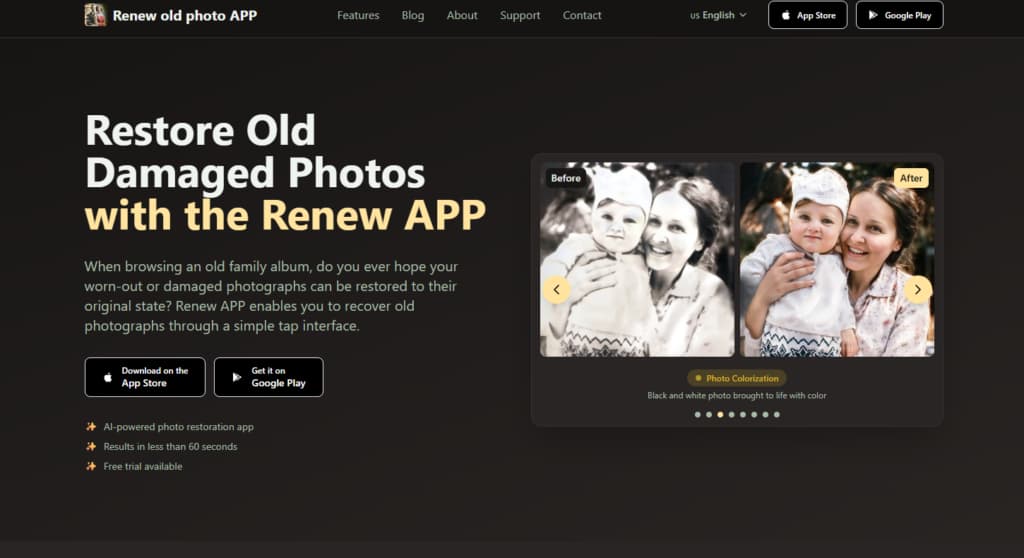
Renew Photo employs a multi-layered AI system designed to address several forms of image degradation simultaneously. It processes a photograph through distinct stages for damage assessment, detail reconstruction, and color correction. This approach suits photos with multiple, compounding issues that a simpler enhancer could not untangle. It is built for complex restoration tasks.
When Renew Photo Is The Right Choice
Select this tool for photographs where standard enhancement fails. It works on images with significant structural damage that requires more than surface-level adjustment. The scenarios involve extensive repair work, not just improvement. Its methodology is necessary when the original data is severely compromised or obscured. Its use is logical for:
- Restoring heavily damaged old photos;
- Rebuilding missing facial details;
- Removing deep scratches and visual noise;
- Fixing uneven lighting and severe fading.
For these specific, demanding cases, a comprehensive multi-step process is the appropriate technical response.
Core Capabilities And Limits
The service performs well in automated damage detection and filling missing information plausibly. Its strength is executing a sequence of complex corrections without user guidance. However, this automation means users cannot direct the repair manually or prioritize certain defects. It is a closed, albeit sophisticated, system. Key operational points include:
- Multi-step AI restoration process;
- Automatic scratch and damage detection;
- Facial detail reconstruction;
- Limited manual control options.
This combination defines its application window. It solves difficult problems but within a fixed framework.
2. RetroFix
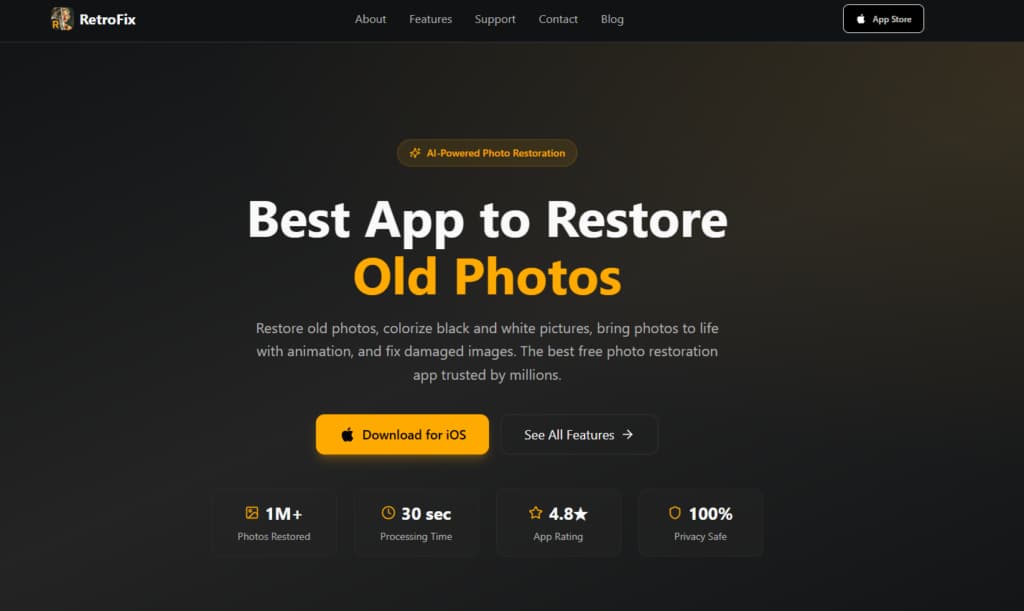
RetroFix provides a streamlined, single-pass restoration process. It applies a generalized AI model to correct common age-related damage quickly. The interface is minimal, requiring few decisions from the user. This design prioritizes speed and accessibility over granular control, making it a practical choice for routine repairs.
Where RetroFix Works Best
This tool fits everyday situations where photos have mild to moderate deterioration. It is for users who need a reliable result without technical involvement. The ideal case is a batch of similar images that all suffer from the same general fading or color shift. It handles predictable, common problems efficiently. Typical applications are:
- Quick restoration of lightly damaged photos;
- Colorizing old family pictures;
- Fixing minor scratches and fading;
- Mobile-friendly everyday use.
For most non-specialist needs, this level of intervention is sufficient. It meets a broad demand.
Strengths And Trade-Offs
Its primary advantage is consistent, fast output with no learning curve. The AI is tuned for a good average result across many images. The trade-off is a lack of specialized tools for severe, unique damage types. It will not perform well on a photograph that is mostly missing data. Consider these attributes:
- Fast one-step AI processing;
- Consistent enhancement results;
- Limited recovery for heavily damaged images.
It is a capable tool within a defined scope of work. You understand its function immediately.
3. Remini
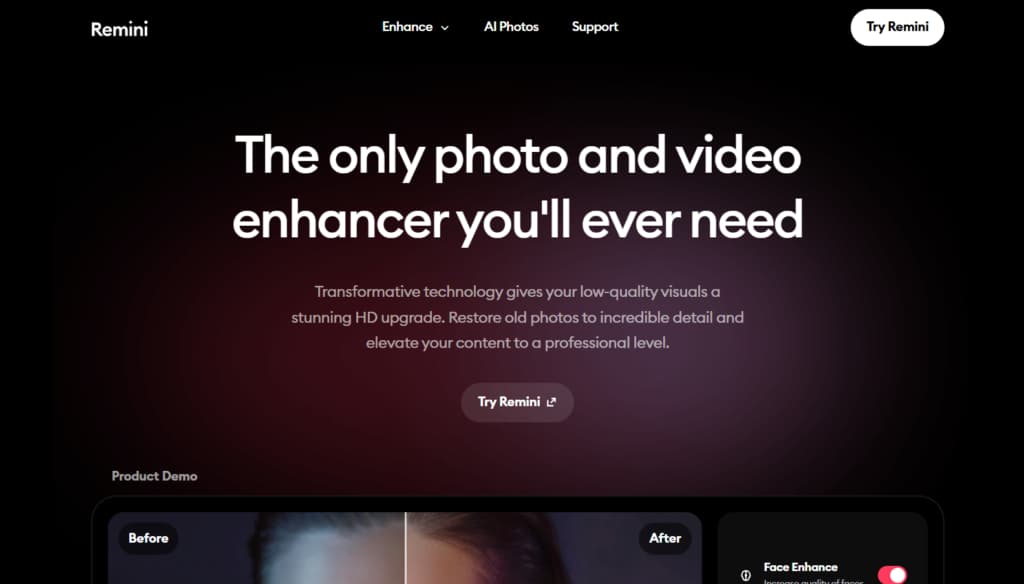
Remini operates primarily as a detail enhancement and upscaling engine. Its AI specializes in analyzing low-resolution or blurry images and generating plausible high-frequency detail. This makes it less a broad restorer and more a focused clarifier. It often produces a distinct, sharpened aesthetic that works well for certain subjects.
When Detail Enhancement Matters Most
Use this service when the main problem is a lack of clarity, not physical damage. It excels where the original image information is present but poorly defined. Think of blurry faces in old group shots or soft-focus portraits. The tool attempts to interpret and reconstruct fine details that the camera did not originally capture. It is particularly suited for:
- Improving facial clarity in low-quality photos;
- Enhancing resolution of scanned images;
- Fixing blur and compression artifacts.
Its role in restoration is specific. It adds definition where it is critically lacking.
What Remini Focuses On
The algorithm concentrates on perceptual sharpness and facial feature reconstruction. It is optimized for portraits, often applying a noticeable texture to skin and hair. This focus means it does not typically address large scratches, stains, or major color correction. It is a specialist in one area. Its operational focus includes:
- AI-based image upscaling;
- Portrait-focused enhancement;
- Limited physical damage repair.
This narrow specialization dictates its place in a toolkit. It solves one problem very directly.
4. VanceAI
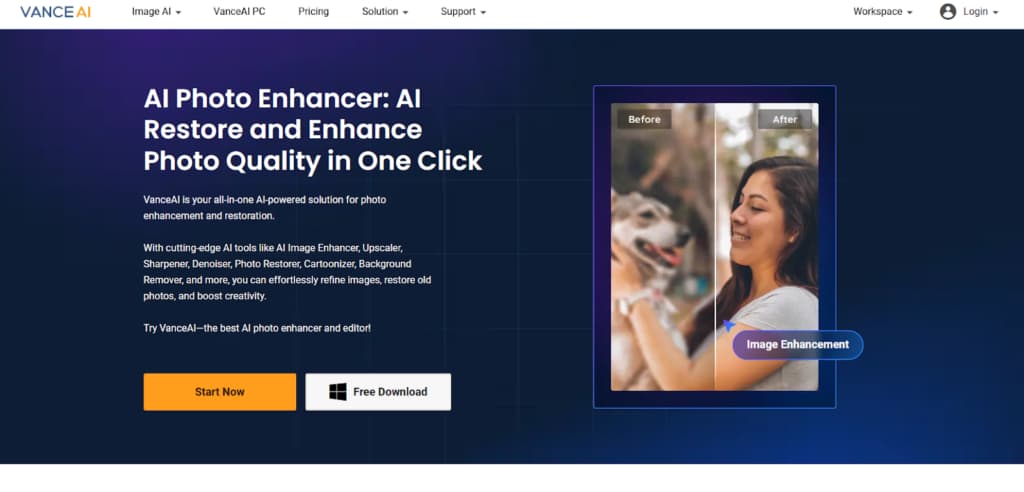
VanceAI is a browser-based suite of image processing tools, one of which is a photo restorer. It allows users to upload and process files directly online without installing software. This format offers convenience and cross-platform access, though it may involve usage limits or require an internet connection for processing.
A Browser-Based Restoration Option
The web-based format is advantageous when working from a shared computer or when avoiding app installations. It is also useful for a one-off repair where downloading software seems unnecessary. The process is straightforward: upload, select a tool, wait for server-side processing, and download the result. It turns restoration into a web service. Its sensible applications are:
- Removing scratches and creases online;
- Restoring faded and damaged photos;
- No app installation required.
For many users, this accessibility outweighs other factors. It is restoration as a utility.
Key Features And Constraints
The restoration tool itself uses automated AI to detect and repair common flaws. The broader platform includes other modules for upscaling or general enhancement, which can be used sequentially. A key constraint is that free usage is usually metered with credit systems or lower resolution outputs. Notable aspects are:
- Automated AI restoration tools;
- Additional enhancement and upscaling options;
- Processing limits on free usage.
The model is a standard software-as-a-service approach applied to image repair. You trade local control for immediate access.
Final Thoughts On Choosing An AI Photo Restoration Tool
Selection should follow a diagnostic process. First, identify the primary flaw in your image: is it physical damage, fading, low resolution, or a combination? Then match that flaw to a tool’s stated specialty. For severe composite damage, a multi-stage processor is necessary. For simple fading, a fast enhancer works. For blur, a detail specialist. For convenience, a web tool.
Each service listed occupies a distinct technical niche. The effectiveness of your restoration depends almost entirely on this correct initial pairing. According to our analysts, mismatching the tool to the problem is the most common reason for poor results. The technology works, but you must point it at the right job.